
Scene example
Example 1 of 3Make dating profile photos that feel like you. Our AI dating photo generator turns your everyday pictures into portraits in new settings, with scene choices, instruction edits, and a shortlist you control.
Explore how a reference portrait can inspire another setting. These AI dating photo generator scene examples show the kind of mood, framing, and background you can describe before creating your own photos.
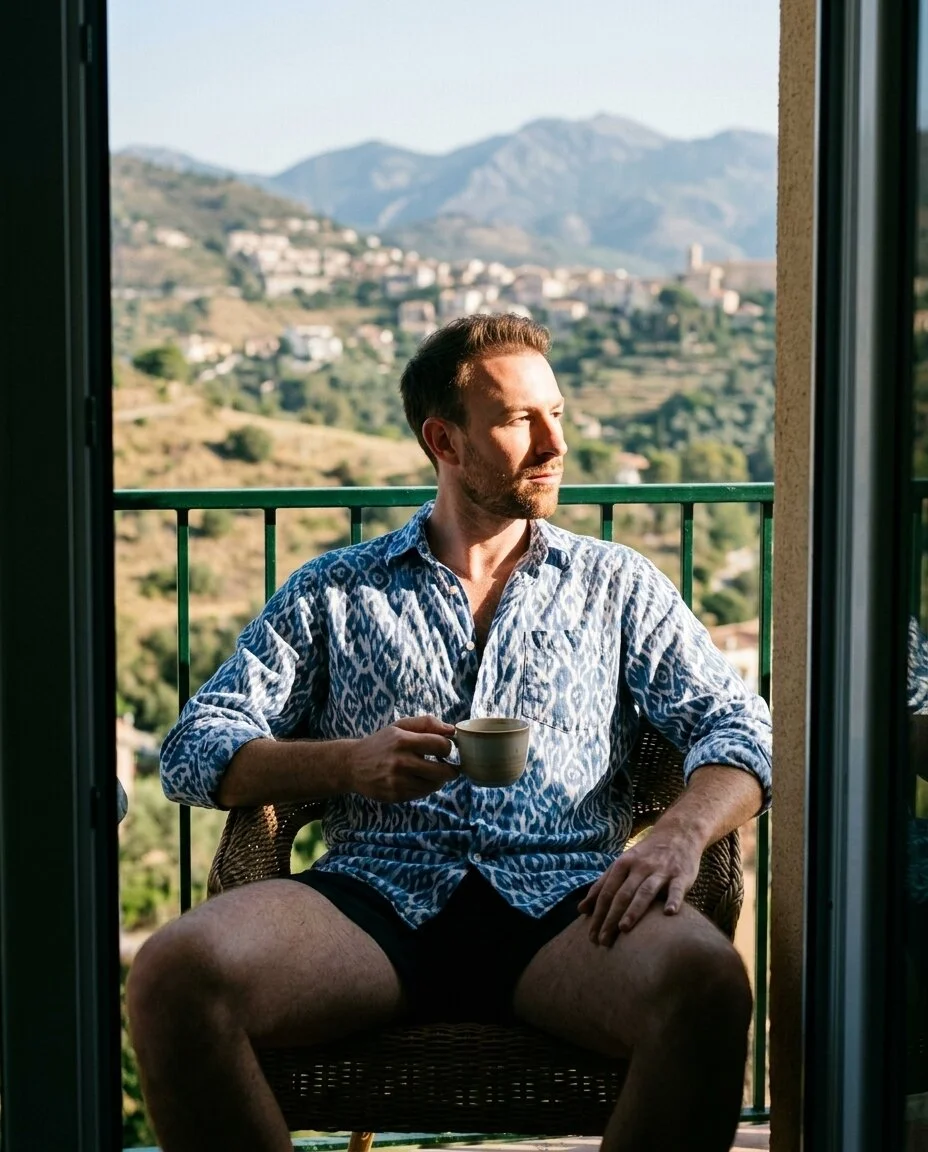
A seaside café portrait pairs soft daylight, a linen shirt, and a cup of coffee. In the AI dating photo generator, describe a setting that fits your everyday style.

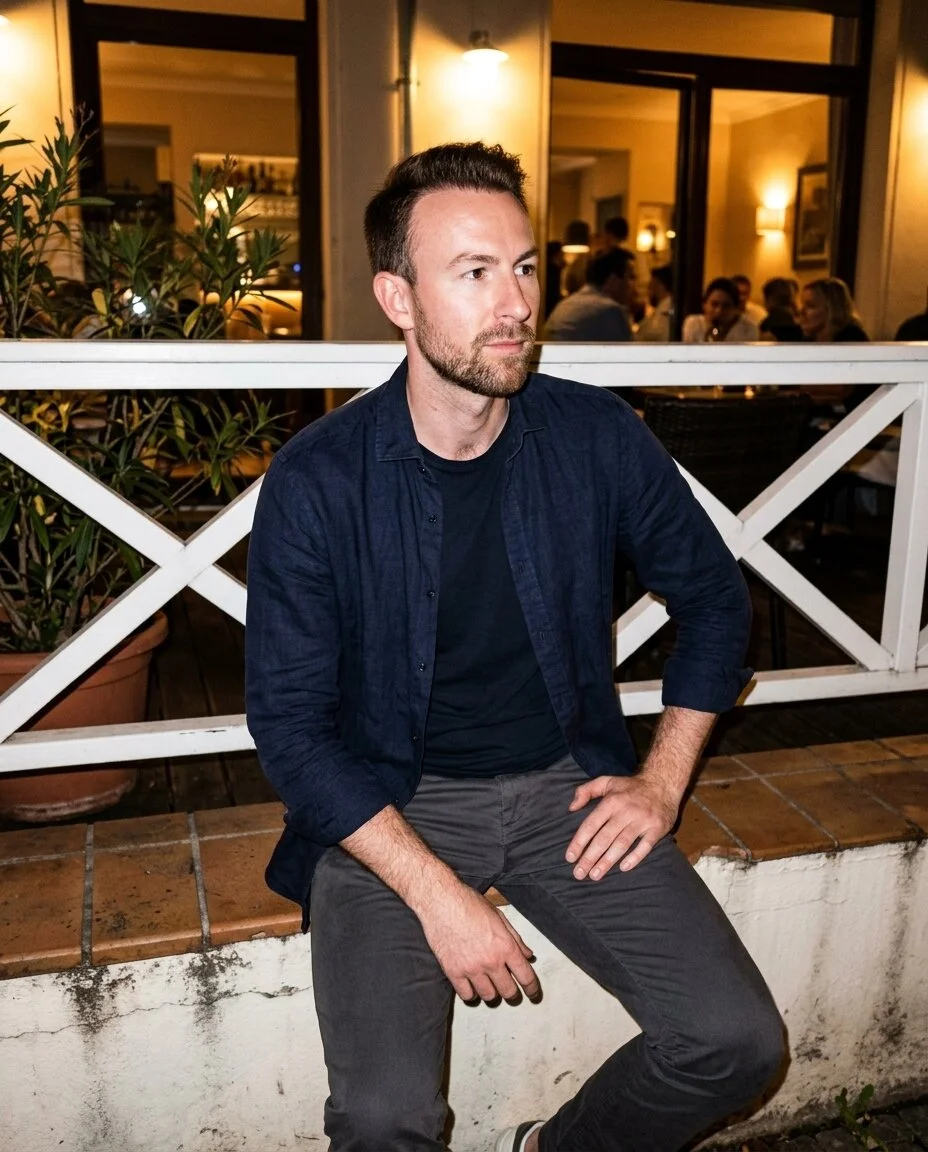
An evening terrace portrait uses warm city lights and a dark shirt. Give the AI dating photo generator a clear scene, then inspect the face and details before choosing a photo.
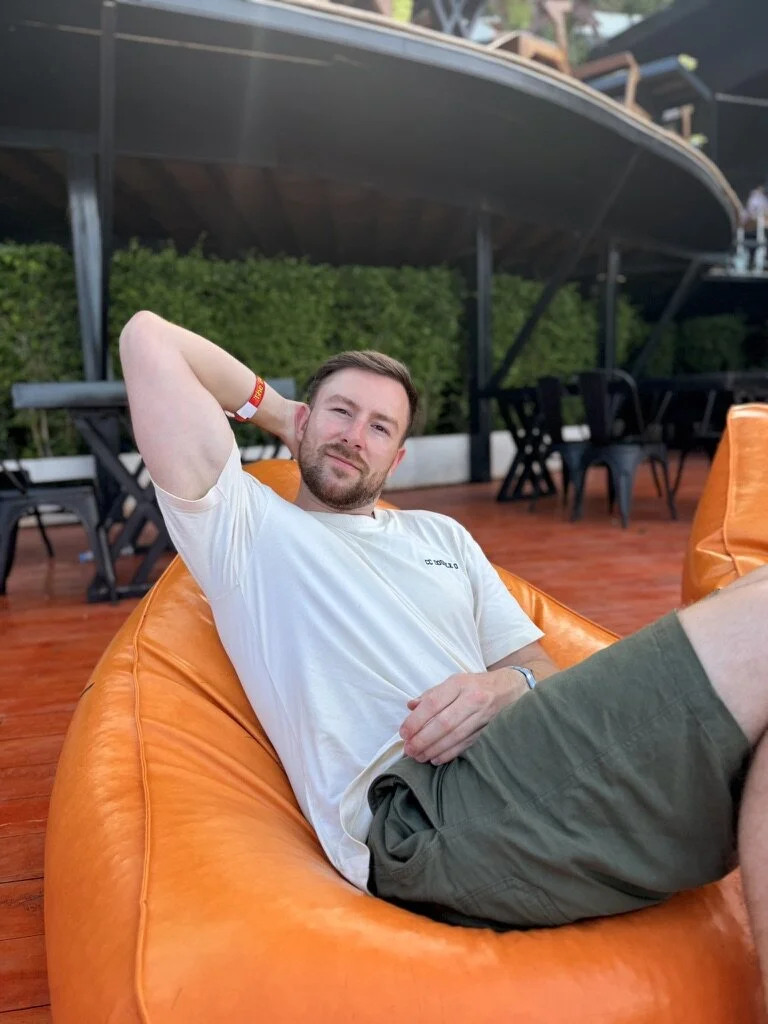
Upload clear pictures of the same adult, showing your face from different angles. Give the AI dating photo generator consistent references to work from.
Pick a preset or describe your own setting. Choose a photo package before generating, then create one photo or build a small batch.
Inspect each result, save favorites, and ask for a specific edit when needed. Download the portraits you want to use before their retention period ends.
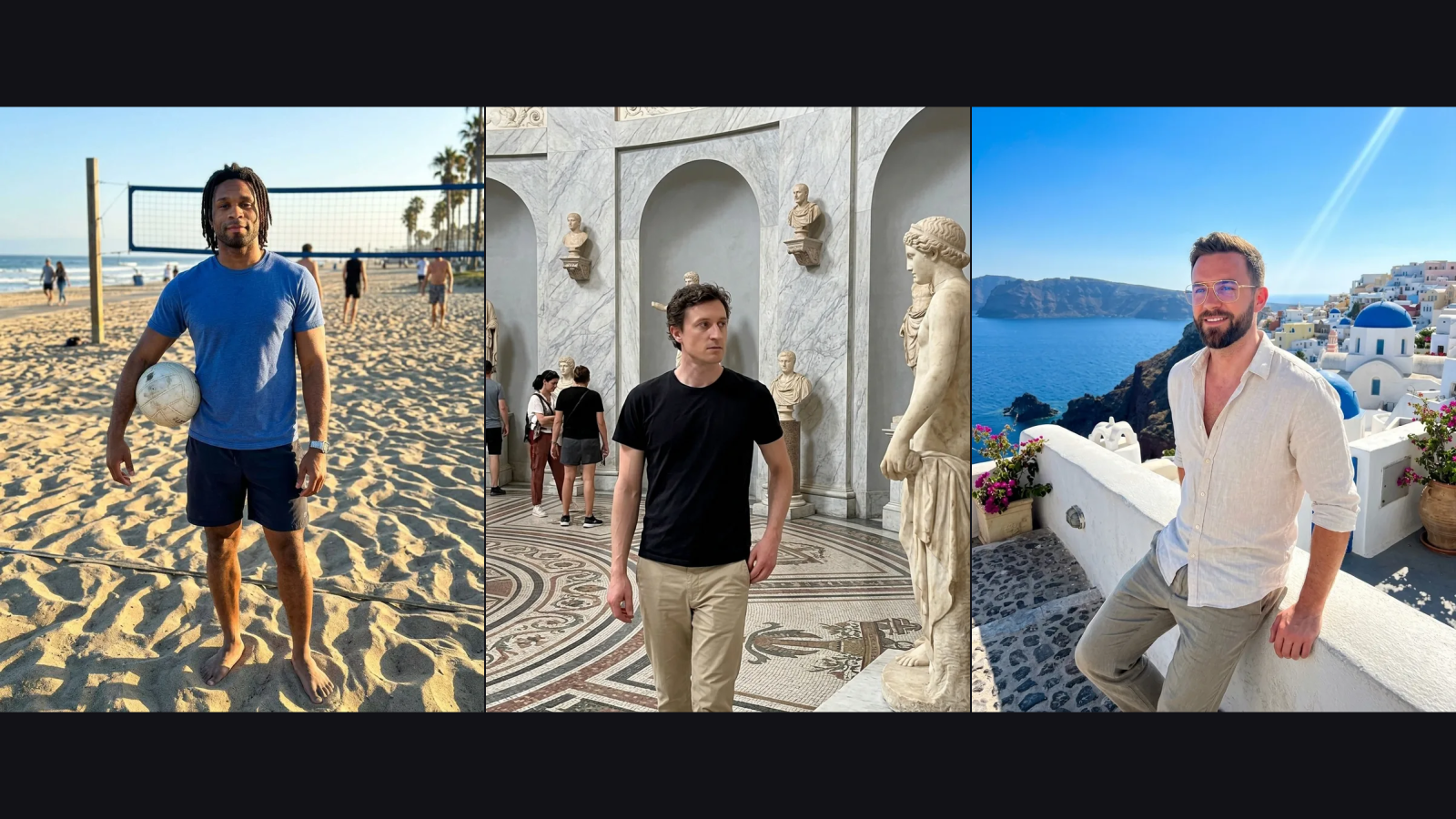
An outdoor activity, a gallery setting, or a sunny terrace can give portraits a different mood. Use the AI dating photo generator presets as a starting point, or describe a setting that suits you.
Choose Your Scene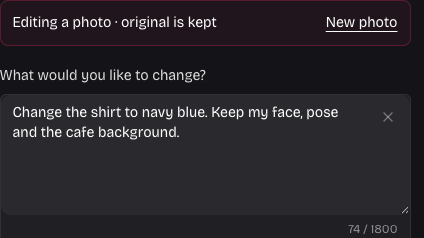
Ask for a different shirt or background after selecting a result. The AI dating photo generator creates a separate edited version, so you can compare it with the original and keep whichever you prefer.
Explore Photo Editing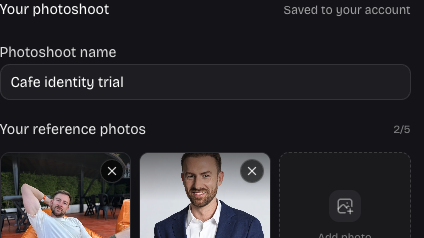
Name your photoshoot and save its references, settings, favorites, and selected photo. Return to the AI dating photo generator from your account to continue reviewing the same work while the results remain available.
Build Your ShortlistThe AI dating photo generator brings scene choices, editing, and photo review into one place, helping you make a considered selection for your profile.
Use pictures you already have as identity references. Different angles and clear lighting give you a stronger starting point than one distant selfie.
Describe the detail you want to change instead of rebuilding everything. Keep both versions and judge whether the edit still feels like you.
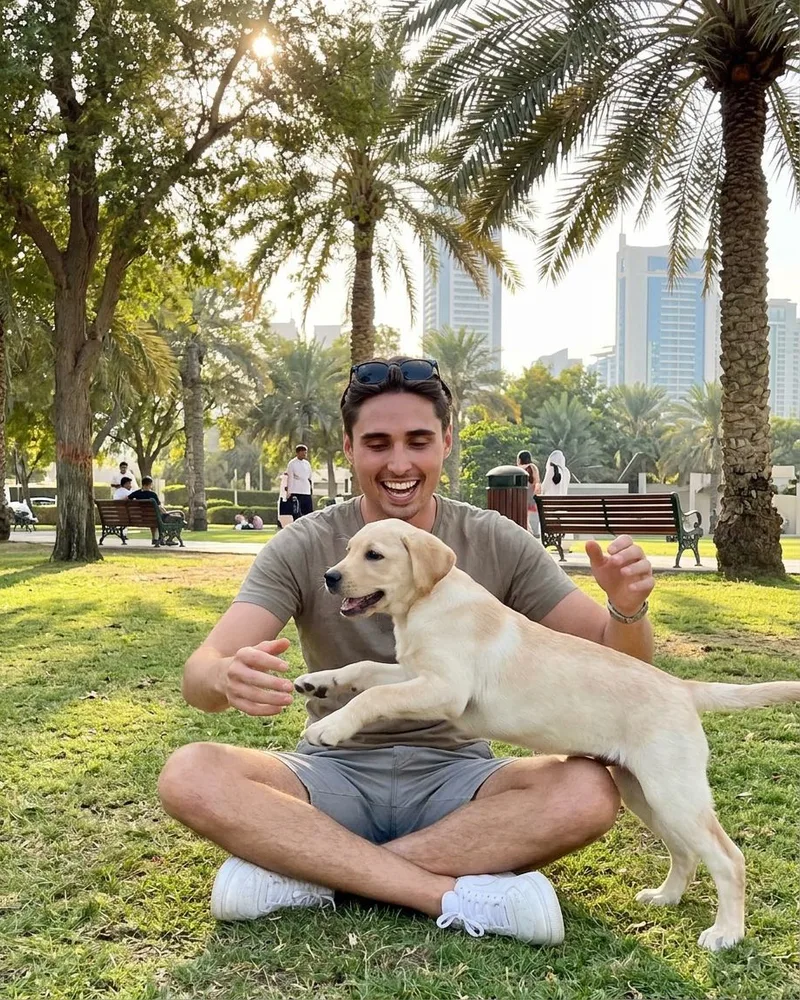
Explore the AI dating photo generator one portrait at a time. Review the face, clothing, and setting before deciding which direction to try next.
Favorite promising portraits as you review. A smaller shortlist makes it easier to compare expressions and choose a varied set for your profile.
Your reference photos guide the person in each result. Choose consistent pictures of yourself, then check the face and other details before downloading. AI can change details unexpectedly, so keep the portraits that look recognizable and comfortable to you.
Give the AI dating photo generator two to five JPG, PNG, or WebP images, up to 10 MB each. Use clear photos of the same adult with varied angles. Avoid group shots, heavy filters, and pictures where sunglasses or shadows hide your face.
You can create an account, upload references, and prepare your photoshoot before buying. Generating photos requires a photo package. The available one-time packages include an initial photo allowance plus separate bonus Image Credits for edits and additional photos.
Photo packages provide 20, 60, or 100 initial photos, with 5, 10, or 20 bonus Image Credits respectively. In the AI dating photo generator, one Image Credit creates one edited, regenerated, or additional scene photo. These credits are separate from your initial photo allowance.
Yes. The AI dating photo generator supports batches of one, four, or twenty photos, created one at a time. Larger package allowances can be used across batches. If you leave during a batch, return to review its progress and resume the remaining photos.
Select a completed photo and describe the change you want. Editing creates a new version and uses one Image Credit. Your original stays available, so you can compare the versions, favorite your choice, and download the one you prefer.
The AI dating photo generator offers portrait ratios of 3:4 and 2:3, plus square 1:1 framing, with 1K or 2K output settings. Download a completed result in the image format supplied. Check the crop before adding it to a dating profile.
Use Save photoshoot after changing your name, references, settings, or favorites. Wait for the saved confirmation. When you return to the AI dating photo generator with the same account, your saved photoshoot can be restored; unsaved changes may be lost.
References and results belong to your account and are not a public gallery. The AI dating photo generator keeps generated results for seven days under the current retention policy. Download the photos you want to keep; favoriting a result does not extend that period.

Bring your everyday pictures to the AI dating photo generator, choose a setting, and start building a selection you feel comfortable sharing.
Create Your Photos