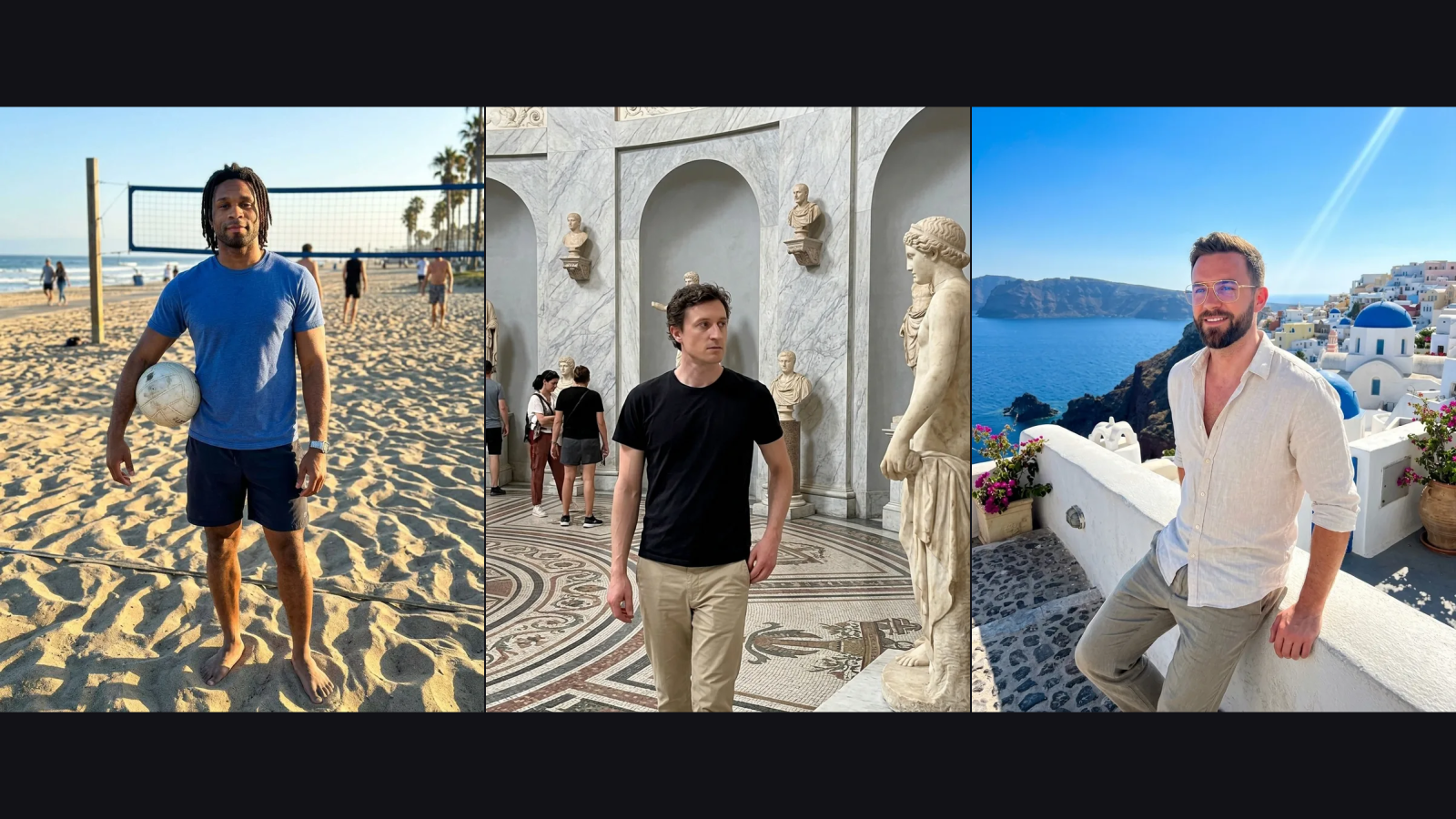
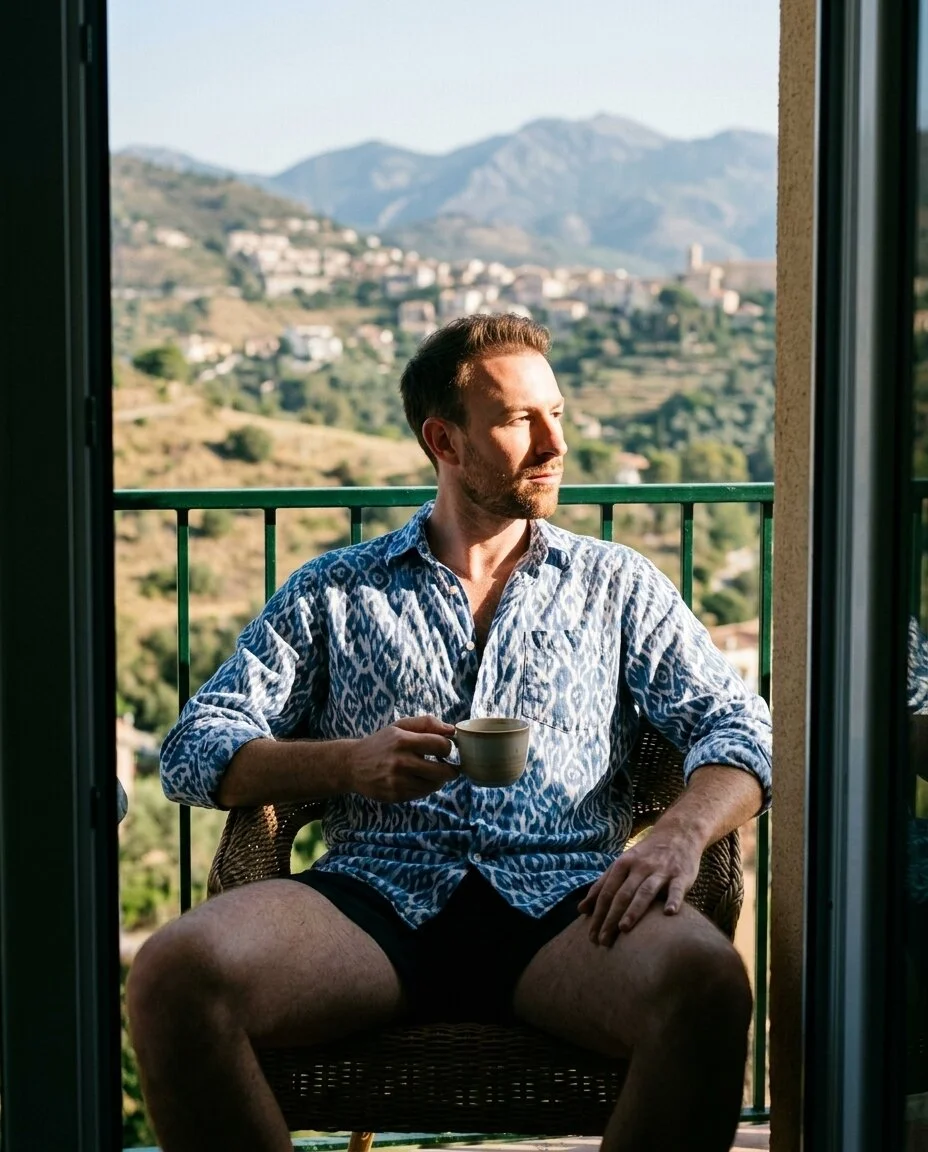
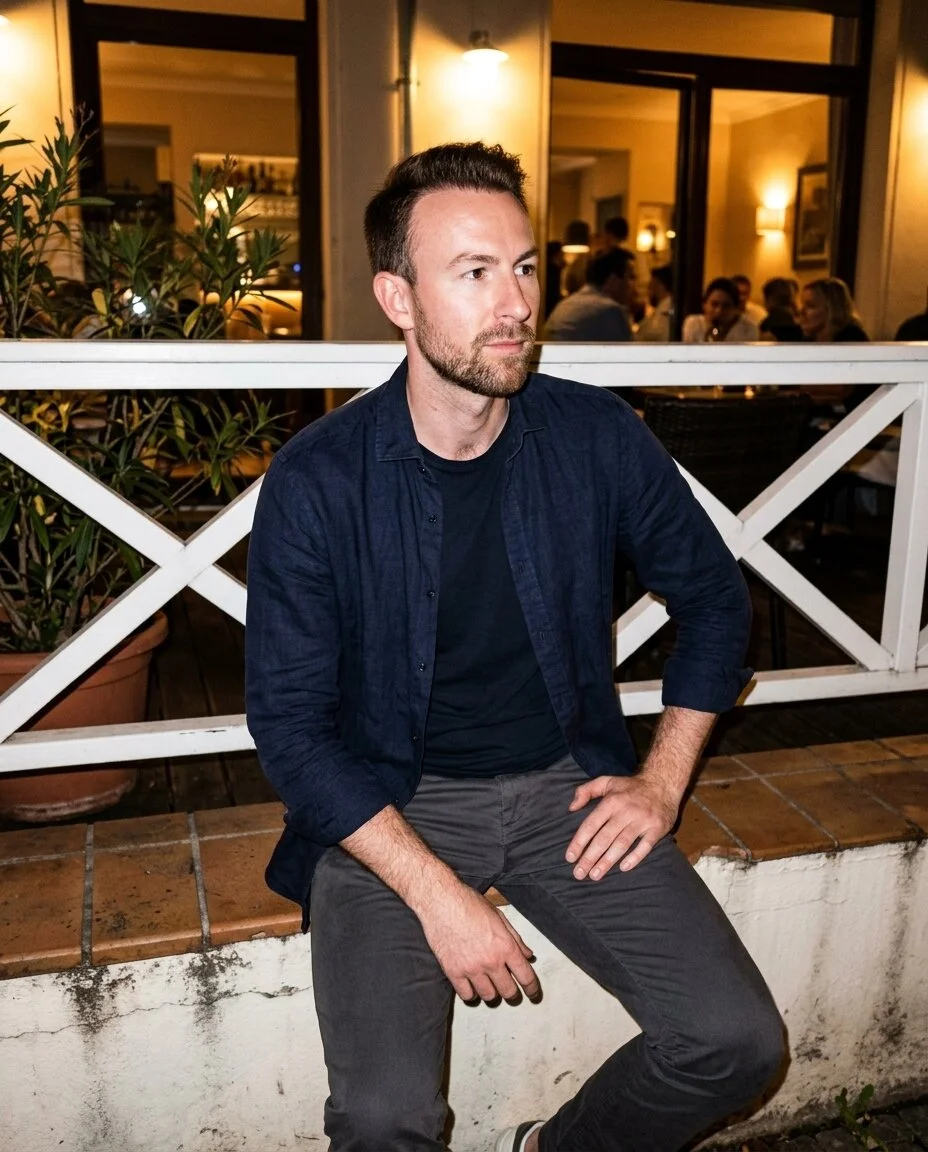
Scene example
Example 1 of 3Build your AI dating profile from real interests, personality and relationship goals. Create an editable bio, three prompt answers and a photo plan together, then choose what belongs on your profile.
Build the words, then create the photos to match.
Create, edit, save and download your photos here. Each photo uses 10 credits from the same balance as your writing. Your profile text stays in the Profile tab.
An AI dating profile works best when it gives someone something specific to ask about. Compare these short introductions, then bring your own details to the builder.
Before
Love travel, food…
After
I judge cities by their breakfast burrito. If you have a rec, I’ll bring the hot sauce.
Tell the AI dating profile builder what you do, what you enjoy and what you want to share. Specific experiences give the writing useful material.
Select Tinder, Bumble or Hinge and a warm, playful, confident or sincere tone. Generate a connected introduction, three answers and suggested photo scenes.
Edit your AI dating profile, rewrite one section or copy the finished text. Save your workspace explicitly to continue from the same account later.
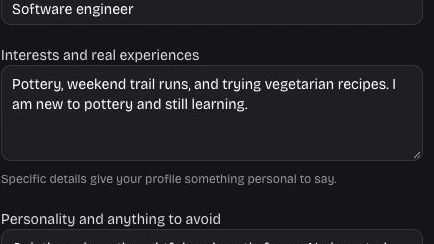
Your AI dating profile starts with the things you actually enjoy. Add a weekend habit, a new hobby or a personal preference to give the introduction a clear starting point, then edit any sentence before using it.
Write my bio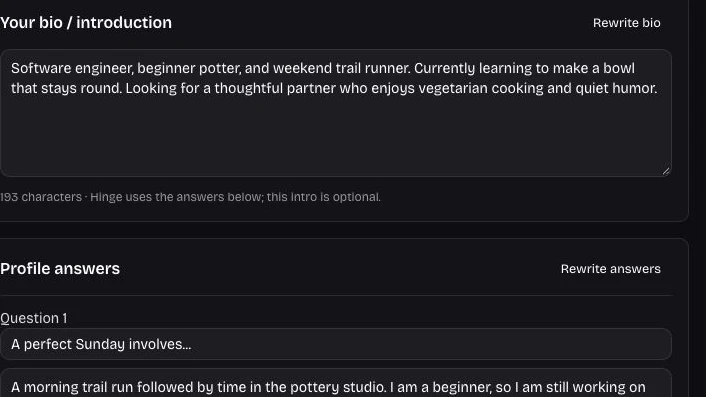
The AI dating profile editor separates the introduction, prompt answers and photo plan. Rewrite only the answers when they need a different angle, while your accepted bio and scenes stay in place for further editing.
Shape my answers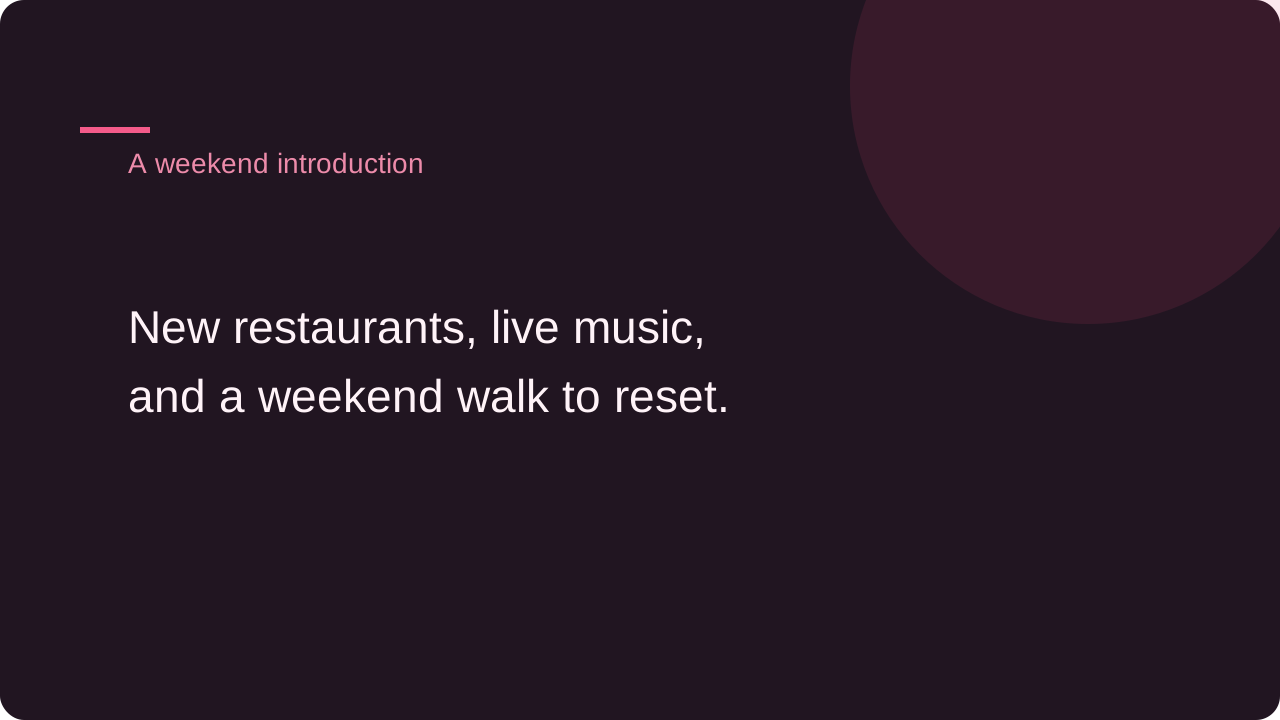
An AI dating profile can open a conversation before you meet. Compare the topics in your introduction and answers: a favorite meal, live music or a weekend habit gives someone a concrete place to begin.
Shape my introductionKeep the parts that feel right and change the parts that do not. Your profile stays editable as you decide how to introduce yourself.
A useful AI dating profile gives someone a detail to respond to. Describe real interests and experiences instead of asking for a generic personality.
Every AI dating profile section is editable. Replace a phrase, clear the introduction or adjust an answer without needing another generation for a small change.
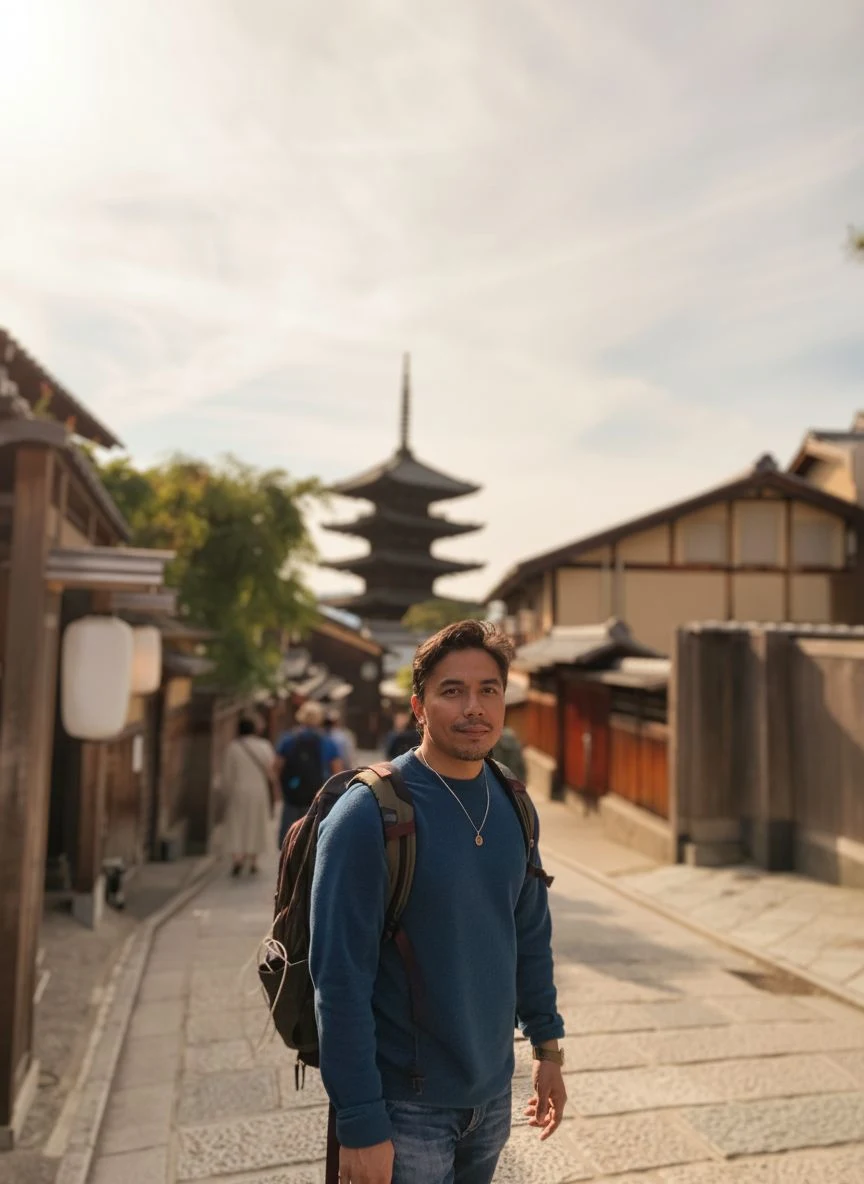
Save your AI dating profile workspace to your account. Restore its inputs, answers and scene plan on another device when you are ready to continue.
Keep your AI dating profile writing beside its photo scene plan. Choose photographs and words that show compatible interests, rather than presenting two different stories.
It creates an introduction, three editable question and answer pairs, and a photo scene plan from the details you provide. The text is a starting draft for your review. You decide which parts to copy into your dating app.
Give the AI dating profile builder details someone could ask about: what you cooked recently, a hobby you are learning or how you spend a free afternoon. Include personality notes and anything you want the writing to avoid.
In the AI dating profile builder, select Hinge to focus on the three prompt answers. An optional introduction stays available in your workspace, while the answers give you separate pieces to review and adapt. Check the wording and character limits in your app before publishing.
Select either app before generating your AI dating profile. You receive an editable introduction and supporting answers rather than a connection to your dating account. Copy the parts you want and check how they fit your chosen app.
Choose warm, playful, confident or sincere in the AI dating profile builder. You can then rewrite a section with a specific instruction, such as making the wording shorter or less formal. Review the new version before copying or saving.
A section rewrite changes only the selected bio, answers or photo plan. Other sections retain their current text. This lets you refine an AI dating profile in small steps, including keeping a hand edited introduction while trying different answers.
Yes. Click into any result field to write or edit directly. You can also clear the optional bio and keep the answers. Copy and download use your current AI dating profile text, including changes you made after generation.
Your AI dating profile includes scene ideas that relate to your details. Create this photo opens the existing Photos workspace with that scene ready to adapt. Upload two to five reference photos there, then review its allowance and generation settings.
Photo generation uses the same site credits as writing: 10 per photo and 1 per text generation. Writing a scene plan does not create or charge for a photo. Before starting a portrait in the Photos tab, check the displayed cost and available balance.
Sign in and use Save workspace to store your text, input details and photo plan. Edits remain local until you save them. The Photos tab has its own Save photoshoot control, so save that separately when you want to restore its setup.
Use the same account and load the saved AI dating profile workspace. It restores the writing details and edited sections from your last successful save. If another tab saved a newer version, the editor asks you to reload rather than overwrite it silently.
You stay in charge of publishing. The AI dating profile builder gives you text to copy or download and photos to review separately. It does not sign in to Tinder, Bumble or Hinge or change your public profile on your behalf.
Read your AI dating profile for accuracy and a voice you would use in person. Remove any invented detail and adjust phrasing that feels too polished. The tool helps with drafting; it cannot predict matches or decide whom you will connect with.

Bring a few real details. Leave with words you can edit, answers you can use and a plan for your photos.
Create my profile