Rizz Bot for Your Next Reply

Use the rizz bot to turn a message or private chat screenshot into three reply ideas. Add context, choose your tone, then edit the words before deciding what to send.

Reply view

A reply that responds to their actual concern

A rizz bot should help you respond to the conversation you are having. In this bouldering conversation, a fear of heights leads to a suggestion to try climbing close to the ground.

Before

I am scared of heights.

After

You could start on low traverses and never get more than a foot off the ground.

Use the rizz bot in three steps

Draft my reply

Bring the conversation

Paste their latest message or upload a private chat screenshot. Add useful context so the rizz bot can separate your details from your match's.

Set your tone and intention

Choose how you want to sound and whether to keep talking, ask a question or suggest a date. Compare three suggestions before choosing one.

Edit before you send

Move a rizz bot suggestion into your draft, change it and copy the result. Mark it as sent only to update your local conversation history.

Stay with the conversation, from context to final words

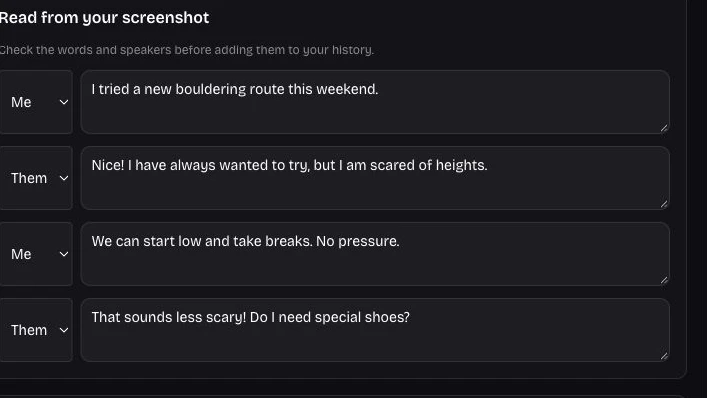
Screenshot transcript editor with separate Me and Them speaker labels

Turn a screenshot into readable context

Upload a JPG, PNG or WebP chat screenshot under five megabytes. The rizz bot returns a speaker labelled transcript alongside its suggestions. Review the text and speakers before saving its transcript.

Use my screenshot
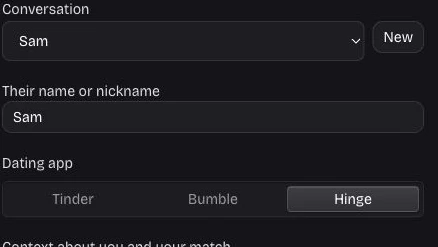
Named conversation selector and dating app controls

Keep each match's conversation separate

Give each conversation a name, context and tone. The rizz bot supports up to ten separate conversations in one workspace, so switching to another person brings up their own draft and history with the correct context.

Organize my chats
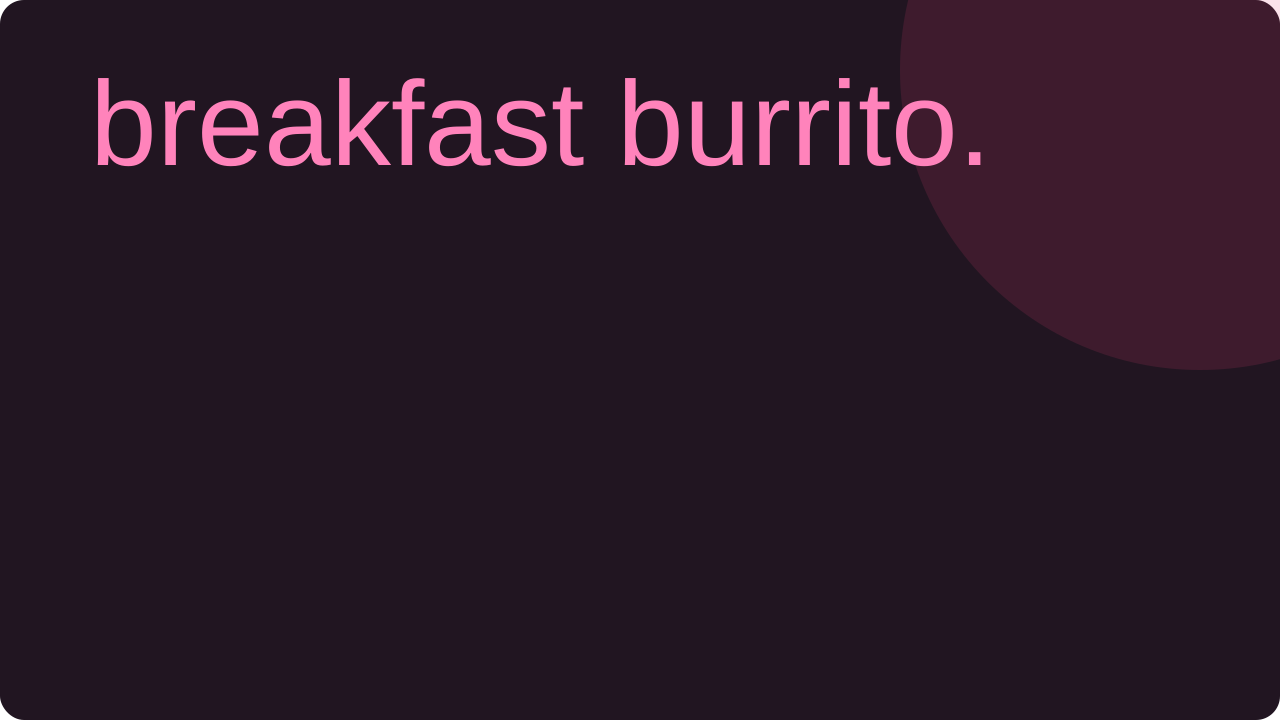
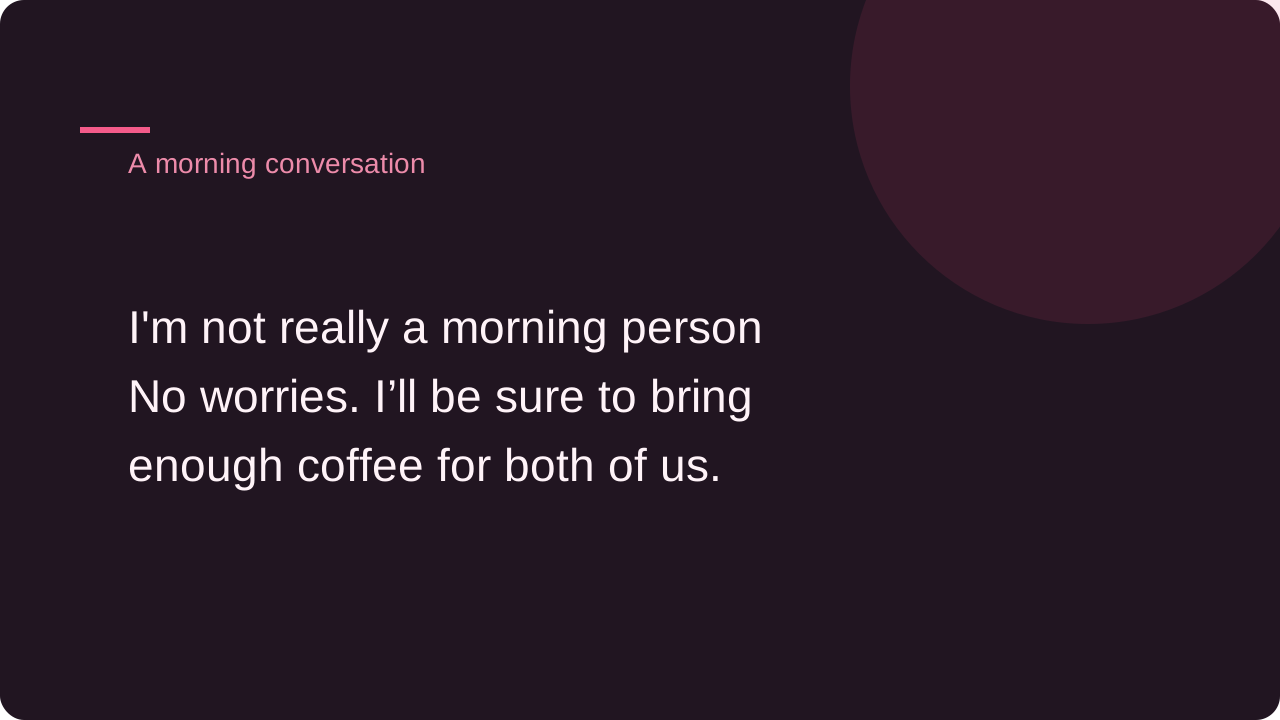
A morning person conversation answered with an offer to bring coffee

Choose a suggestion, then use your voice

The rizz bot gives three alternatives with short explanations. Choose the useful idea, then edit its wording in your draft. Copying and downloading use that current draft, keeping the final message under your control rather than sending it automatically.

Find my words

A rizz bot that leaves the decision with you

Get help finding an angle while keeping your judgment. Your context, the other person's message and the words you choose all stay visible during drafting.

A starting point when words stall

Use the rizz bot when you understand the message but cannot find a response. Three options give you different starting points to compare and adapt.

Intent before a pickup line

Tell the rizz bot whether to begin talking, continue a thread or suggest a date. Add the relationship context that makes that next step appropriate.

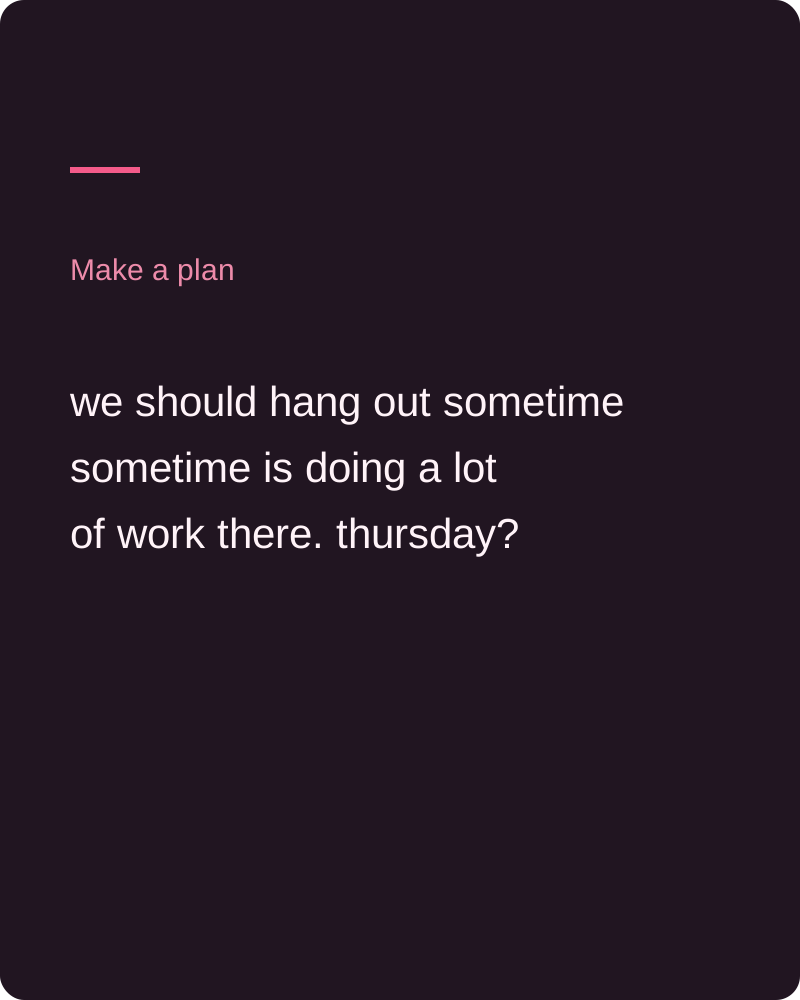
A vague invitation answered with a suggestion to meet on Thursday

Private drafts you can revisit

Save your rizz bot workspace to your account. Restore named conversations and edited drafts without pasting the same context again on another device.

Human review before every message

The rizz bot writes suggestions for you to judge. Edit anything that sounds unlike you, then move the chosen words into your own dating app.

Questions before using the rizz bot

AI Dating Photos

Give the rizz bot your next conversation

Bring their message, find an angle and make the words your own. Review three suggestions before choosing your next step.

Suggest my replies